Evening publication · Cloud cost operations
Cloud Cost Alert Triage Board: 7 Safe Checks Before Cutting Resources
A safe educational board for owners and operators to inspect cloud cost alerts without making risky shutdowns, performance promises, or savings claims.
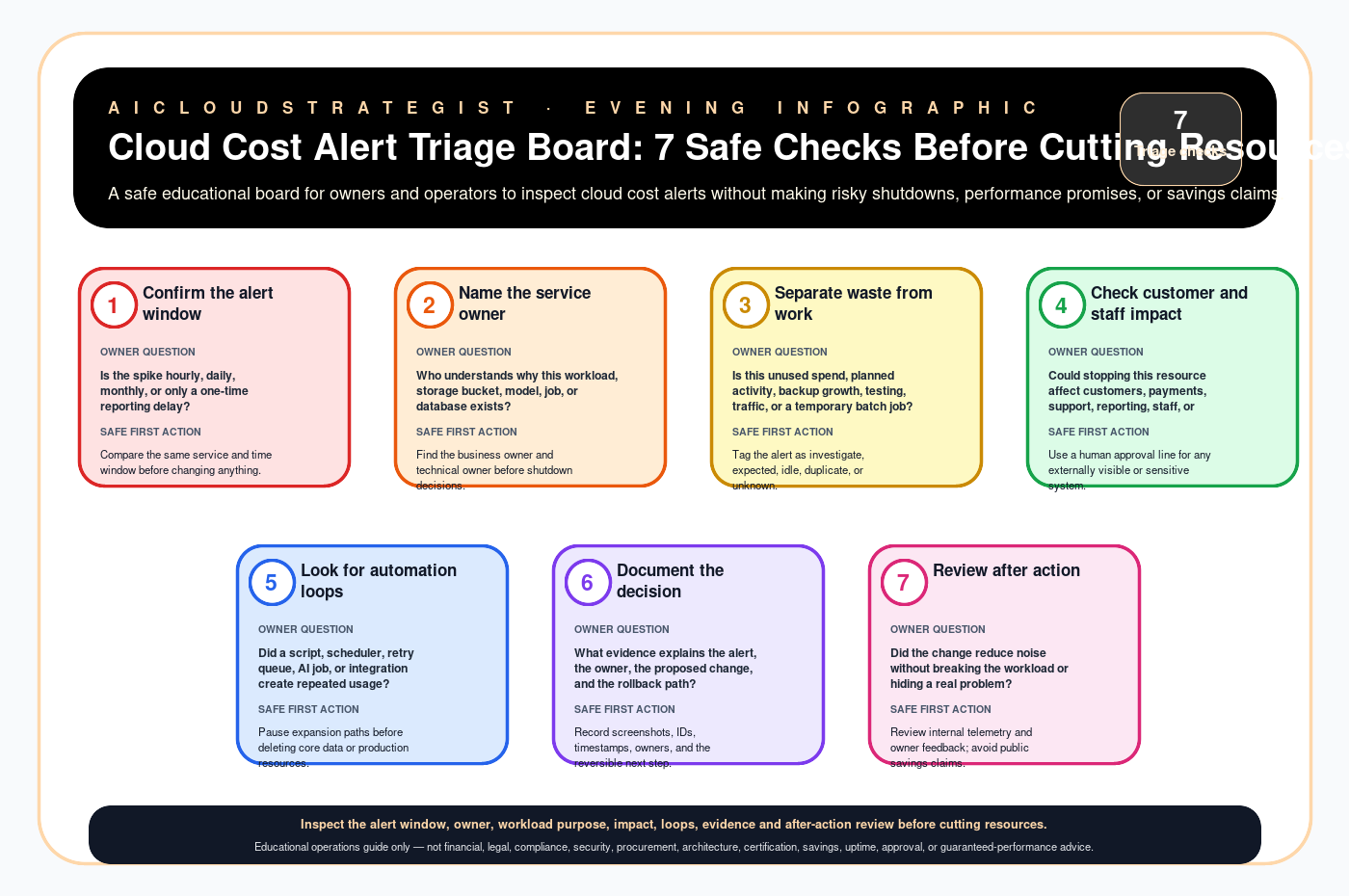
Seven safe checks
| # | Check | Owner question | Safe first action |
|---|---|---|---|
| 1 | Confirm the alert window | Is the spike hourly, daily, monthly, or only a one-time reporting delay? | Compare the same service and time window before changing anything. |
| 2 | Name the service owner | Who understands why this workload, storage bucket, model, job, or database exists? | Find the business owner and technical owner before shutdown decisions. |
| 3 | Separate waste from work | Is this unused spend, planned activity, backup growth, testing, traffic, or a temporary batch job? | Tag the alert as investigate, expected, idle, duplicate, or unknown. |
| 4 | Check customer and staff impact | Could stopping this resource affect customers, payments, support, reporting, staff, or compliance records? | Use a human approval line for any externally visible or sensitive system. |
| 5 | Look for automation loops | Did a script, scheduler, retry queue, AI job, or integration create repeated usage? | Pause expansion paths before deleting core data or production resources. |
| 6 | Document the decision | What evidence explains the alert, the owner, the proposed change, and the rollback path? | Record screenshots, IDs, timestamps, owners, and the reversible next step. |
| 7 | Review after action | Did the change reduce noise without breaking the workload or hiding a real problem? | Review internal telemetry and owner feedback; avoid public savings claims. |
Need a safe cloud-cost review?
AICloudStrategist can run a free business review first, then a read-only cloud cost review with no production changes without approval. Start at Free Business Review, email [email protected], or WhatsApp +91 87963 02608.
Truth boundary
Educational operations guide only — not financial, legal, compliance, security, procurement, architecture, certification, savings, uptime, approval, or guaranteed-performance advice.